Security assessment coverage
Coverage
- Web application security assessments
- Mobile application security assessments
- Internal tool security assessments
- API security assessments
- Cloud security assessments
Inside the portal
Every screen moves the fix forward.
Not a PDF. A working report with the evidence, status, and next action attached to every finding.
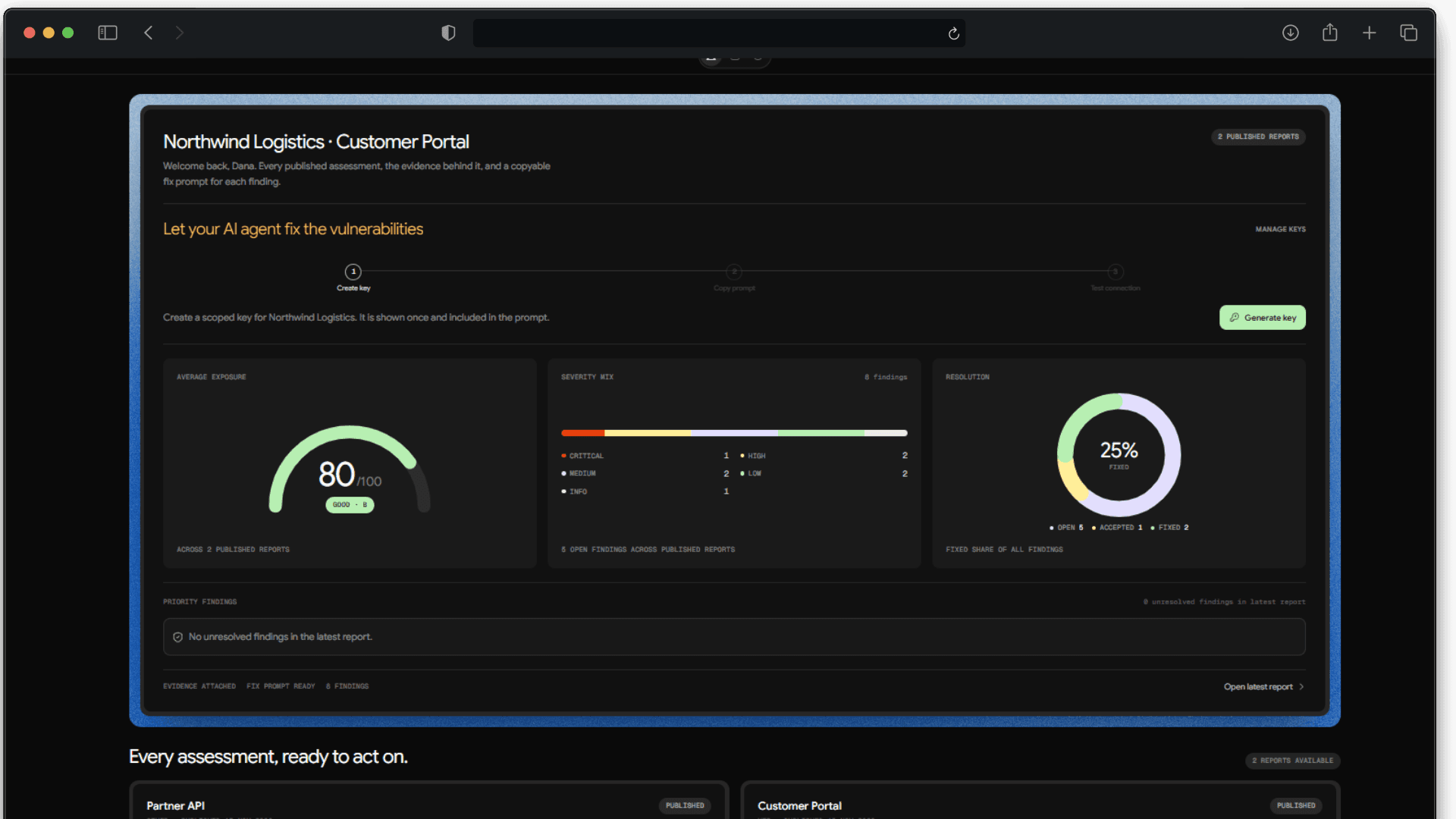
The whole report before the first click.
Open a report and see the exposure score, severity mix, and resolution state together. The first screen tells you how much risk is left and where it sits.
- Exposure score with a clear band
- Severity mix across every finding
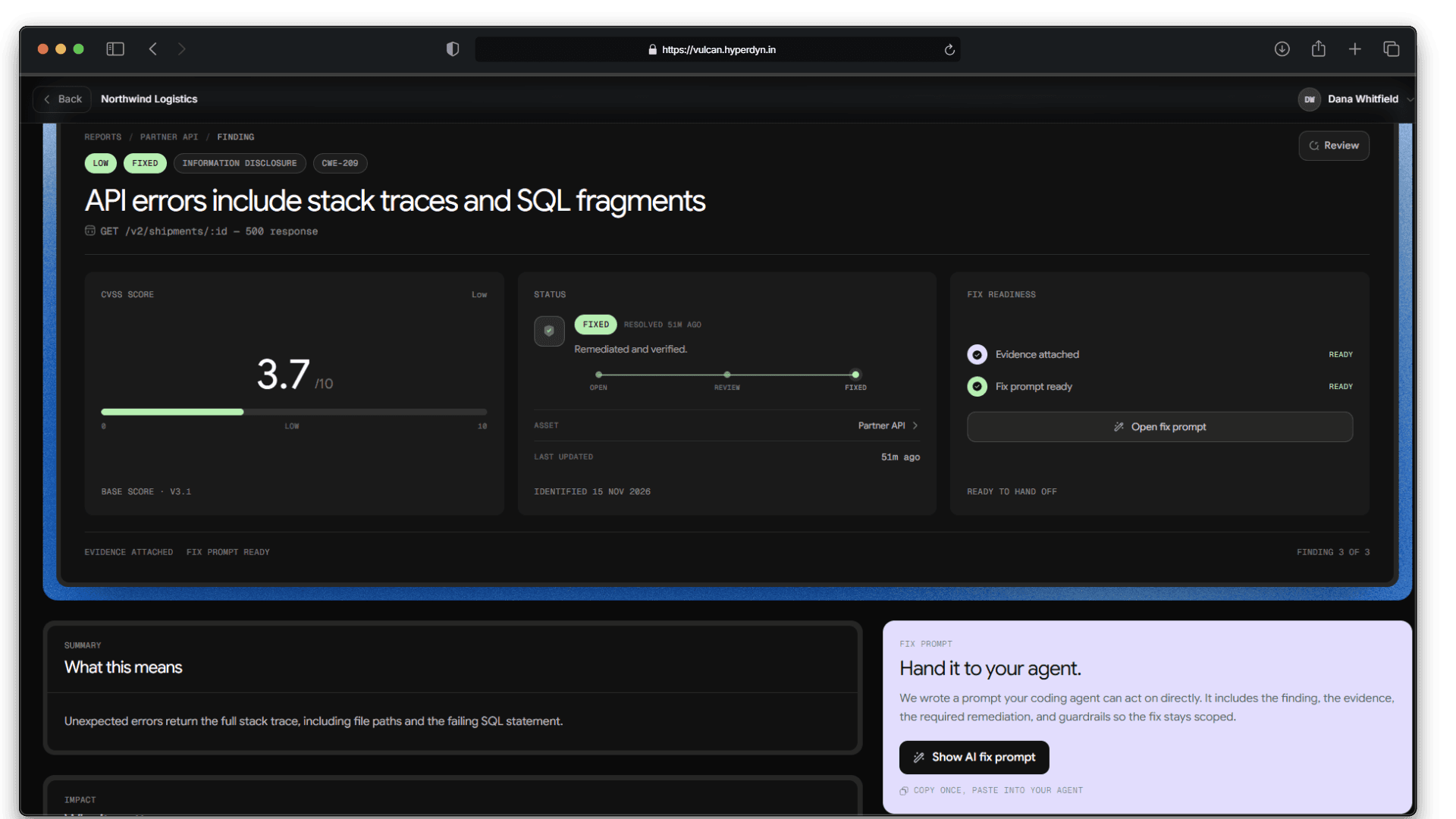
Every finding carries its own next step.
The detail view pairs CVSS, live status, evidence, and fix readiness. When the fix is ready, the AI prompt is one click away.
- Status and review state in one place
- Evidence and fix readiness side by side
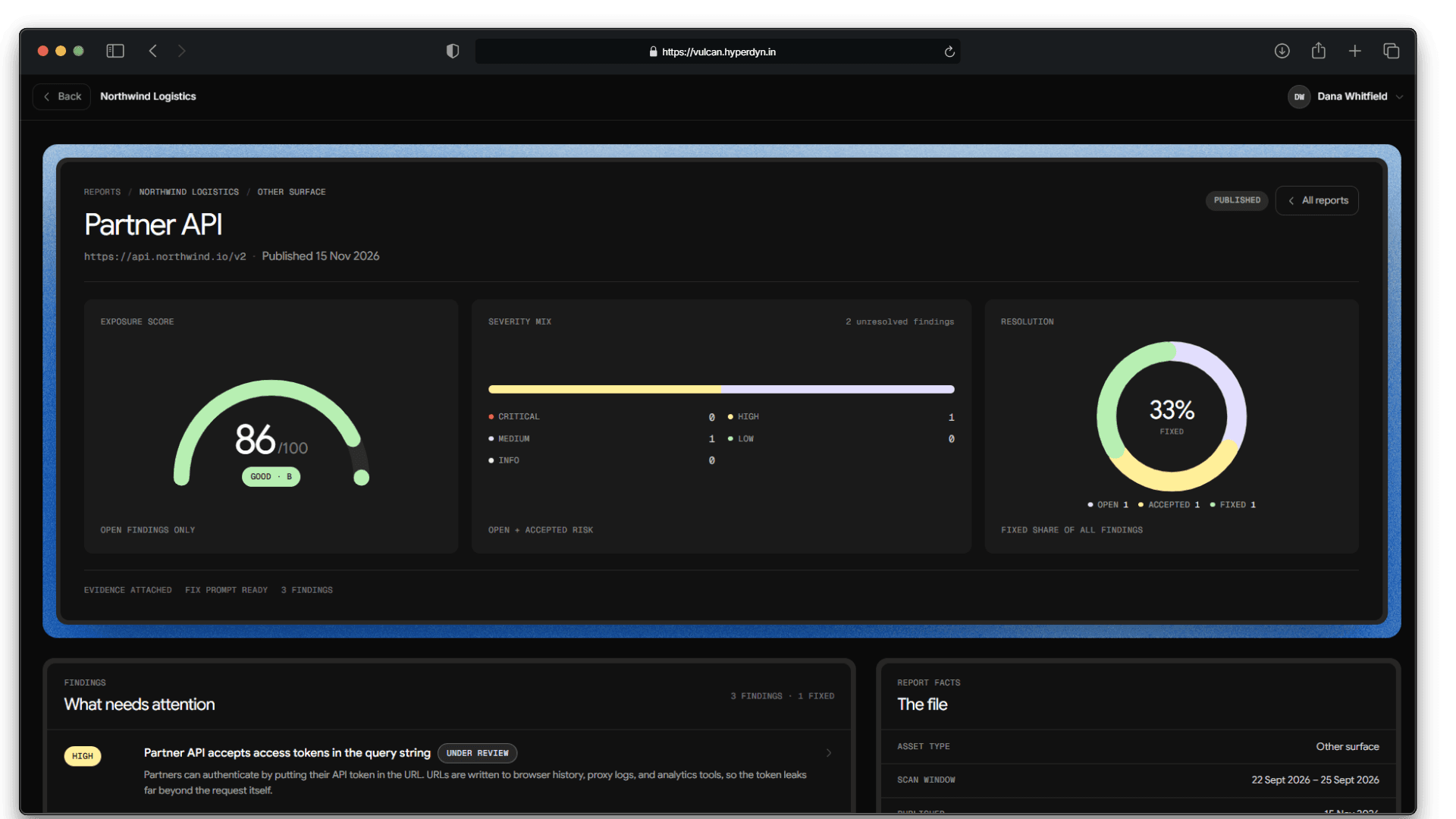
A working queue, not a static document.
Priority findings show severity, status, and what still needs attention. Report facts and fix readiness stay current as the work moves.
- Findings grouped by what needs attention
- Accepted risk and fixed states stay visible
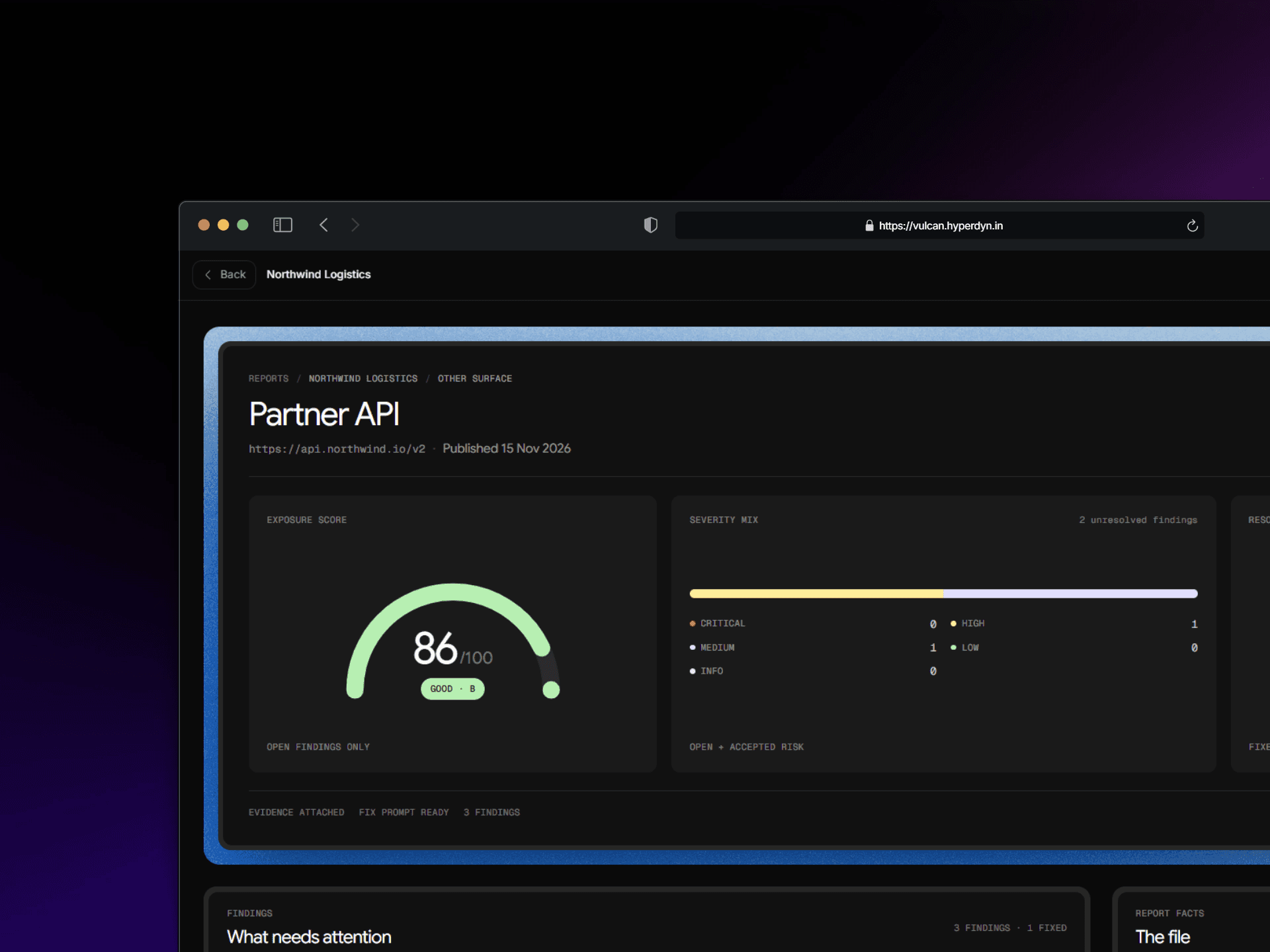
A portal your client can open anywhere.
The same workspace runs in the browser, with the report, findings, and fix loop behind one sign-in. No exported PDFs or stale attachments.
- One link for every stakeholder
- The latest status on every finding
Method
A report is only useful if it changes what ships.
No dashboards to decode. We map the surface, prove the issue, write the report for both audiences, and stay through the fix.
Start with a scoped assessmentMap
We trace the application, its roles, data flows, and trust boundaries.
Prove
Each issue is demonstrated with a reproducible request, not scanner output.
Report
Decision-makers get impact. Engineers get evidence, severity, and scope.
Fix
Ship the fix prompt, ask follow-ups, and retest until the risk is closed.
Reports
Reports that stay useful.
Every report carries a score, a severity breakdown, and the status of each finding. Clients see progress, not a pile of tickets.
From the field
“The report told us exactly what to fix, who could reach it, and how to prove it was closed.”
Head of Platform · Northwind
92%
Findings resolved
48h
To first fix
0
Open criticals
120+
Assets reviewed